
Let’s talk about the elephant in every creative entrepreneur’s inbox: Substack.
It’s everywhere. Your favorite influencer has one. That interior designer you follow has one. Your old college roommate who “always wanted to write” has one. And listen, we get it. Substack made blogging feel exciting again (MySpace, anyone? That maybe have been showing our Elder Millennial roots TOO much) at a time when most people had given up on long-form content entirely we’ve even been through bouts of not posting. That deserves credit.
But here’s where things get interesting. We’ve spent over a decade building websites for creative entrepreneurs, and we’ve watched this cycle play out before. A shiny platform shows up, everyone migrates, and then slowly, one by one, people start realizing they traded ownership for convenience.
We’re not here to tell you Substack is evil. We ARE here to tell you that your own website can do everything Substack does, and that blogging on your own domain is the single smartest long-term play you can make for your brand. You keep your audience. You keep your revenue. Every drop of SEO juice stays yours. And most importantly, you keep control.
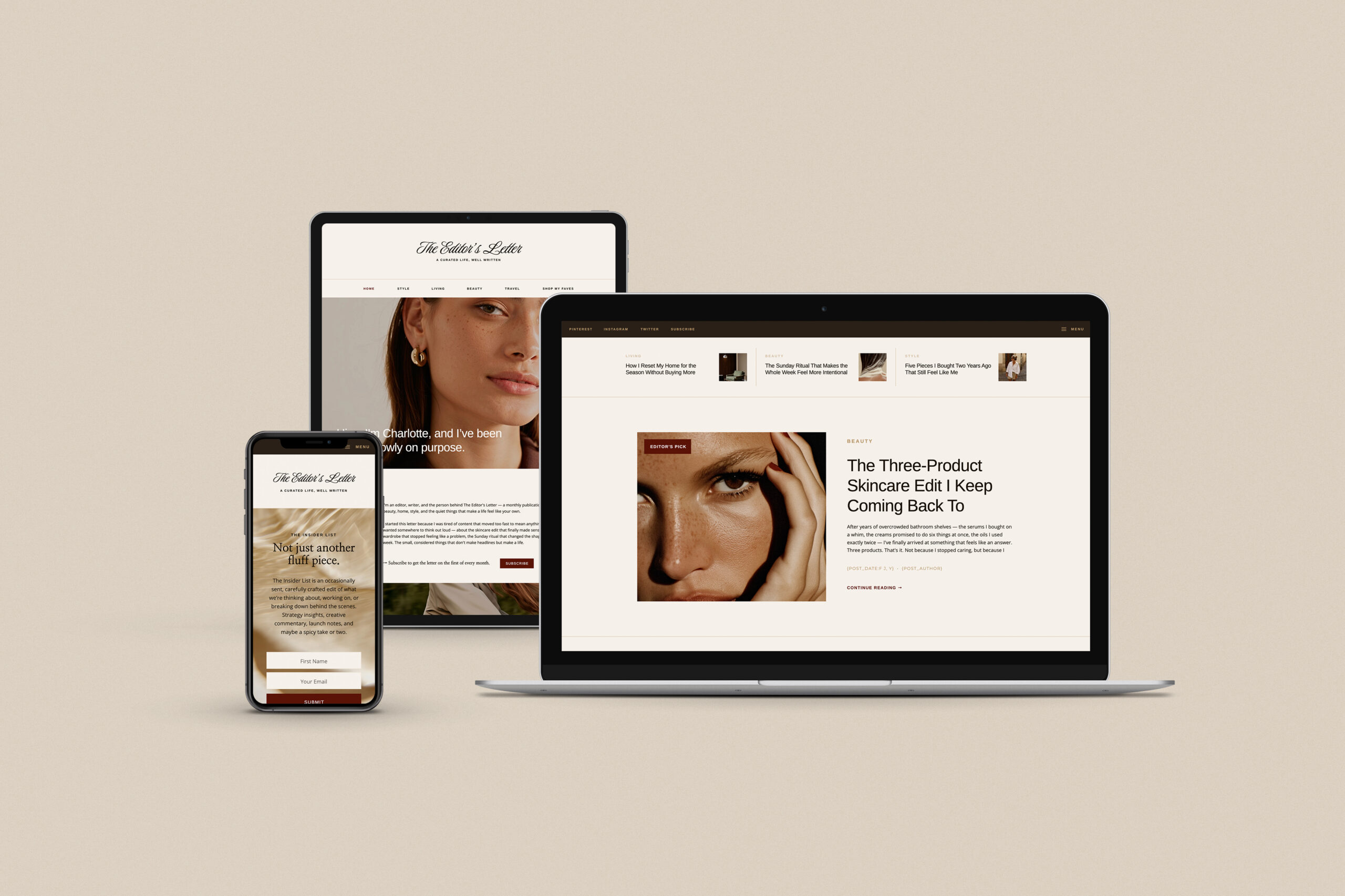
And because we practice what we preach, we built a template that gives you the ✨ clean, editorial, Substack-inspired blog aesthetic ✨ on your very own Showit website. But more on that in a minute.
The Substack Boom (And Why It’s Tempting)
The platform made it dead simple to start a newsletter, build an audience, and even charge for premium content. No website to set up, zero hosting to manage, and not a single plugin to configure. Just write and hit publish.
The appeal is real: you own your email list (and can export it), monetization is built in with paid subscriptions, it’s free to start, content goes straight to readers’ inboxes, and the “Notes” feature and recommendation system help with discovery.
For someone who just wants to write and doesn’t want to deal with the technical side of running a website, Substack is a perfectly fine starting point.
But “starting point” is the key phrase.
Because for creative entrepreneurs who are building a brand, selling services, or running a business? Substack starts showing its cracks pretty fast.
The Real Downsides of Substack That Nobody Talks About at First
You’re Building on Rented Land
This is the big one! Your Substack lives at [yourname.substack.com]. In reality, that’s not your domain. That’s Substack’s domain with your name attached to it. Every piece of content you publish there is strengthening Substack’s brand and domain authority, not yours.
If Substack changes its terms, raises its fees, shuts down, or makes a decision you fundamentally disagree with, you can export your subscriber list, but you can’t take your content’s search rankings, your backlinks, or your established URL structure with you.
We’ve seen this exact scenario play out with platforms like MySpace, Google+, Vine, and more recently, TikTok when it was in buying purgatory and creators scrambling away from Twitter. Building your entire content strategy on someone else’s platform is a risk, not a strategy. Don’t believe us? There is even buzz around Substackers switching to Ghost and then back again. All that content… no way to redirect.
The Design Limitations Are Real
Substack gives you a single, standardized layout. You can tweak your logo and colors, but you cannot customize your site’s design in any meaningful way. Every Substack looks like every other Substack. For creative entrepreneurs whose entire business is built on visual identity and brand experience, that’s a problem.
You can’t create custom landing pages. There’s no way to control the layout of your blog feed. And forget about matching your Substack to your existing website’s look and feel. Your brand effectively disappears inside Substack’s design system. Sure, there are hacks to change brand colors and design your covers to be cohesive, but we aren’t talking tomato tomato here.
The Fees Add Up Fast
Substack is free to use until you start charging for paid subscriptions. Once you do, Substack takes a 10% platform fee on every transaction. On top of that, Stripe (the payment processor) charges roughly 2.9% + $0.30 per transaction, plus 0.7% for recurring billing.
As a result, for every $10 monthly subscription, you’re losing about $1.59 in combined fees. If you’re earning $5,000 per month, you’re handing Substack $500 every single month, which is $6,000 per year, just for the privilege of using their platform. The more successful you become, the more you pay.
SEO? Limited at Best
Meanwhile, Substack’s SEO tools are basic. You can customize your post title, meta description, and URL slug, but that’s about it. You can’t install SEO plugins, you can’t customize your schema markup, you can’t build internal linking structures the way you can on your own site, and your content lives on a subdomain (or a custom domain that still runs on Substack’s infrastructure).
In contrast, there’s a reason WordPress powers over 40% of the internet, and it’s not because people love updating plugins (🥁 bah dum tss — yes that was sarcasm at its finest). It’s because it gives you full control over every SEO lever that exists.
The Content Moderation Controversy
On top of all that, this one has been making headlines. A significant number of creators have left Substack over concerns about the platform’s handling of extremist content. Regardless of where you fall on that issue, the larger point stands: when you build on someone else’s platform, you’re implicitly associated with every other creator on that platform, and every decision that platform makes about who gets to stay.
On your own website? Your brand stands alone.
Limited Marketing Automation
Essentially, Substack can send your posts to subscribers. That’s about it. There are no automated email sequences, no behavior-based triggers, no advanced audience segmentation, no A/B testing capabilities, and no sophisticated funnels. If you want to nurture leads, onboard new subscribers with a welcome series, or send targeted campaigns based on what content people have engaged with, you’ll need to look elsewhere.

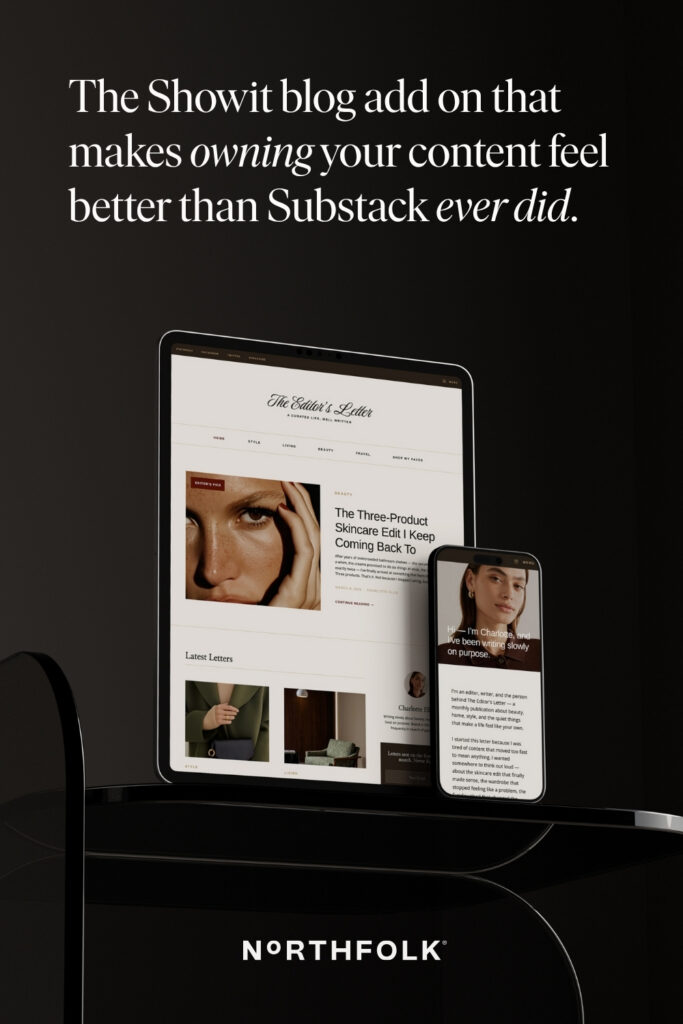
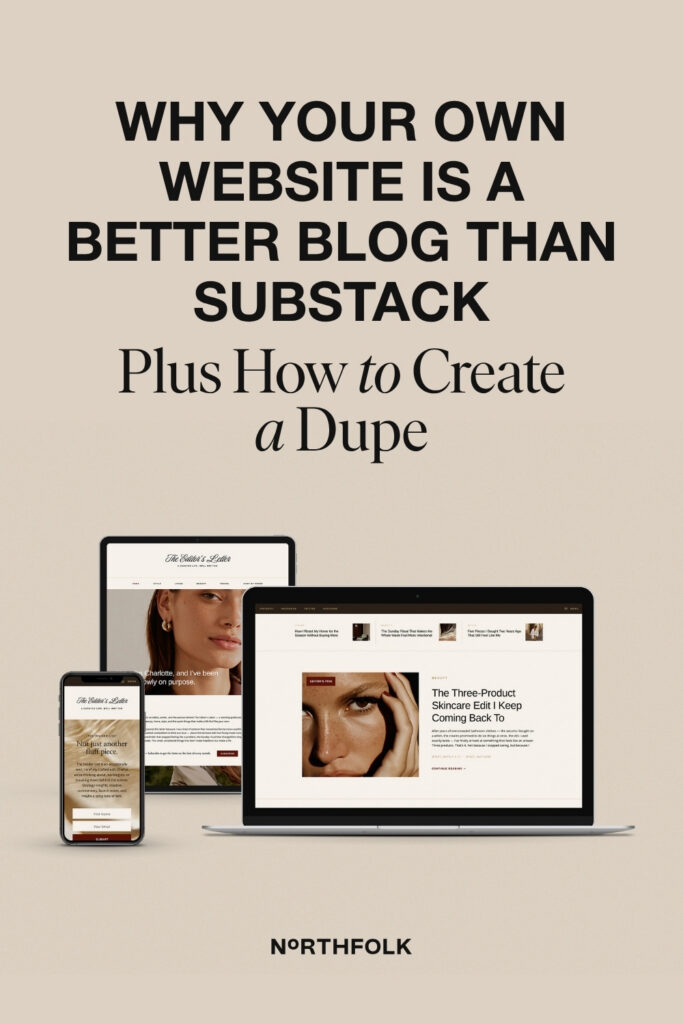
We built the Blog N°04 Add On, a Substack-inspired blog add on for Showit that gives you that clean, editorial look on your own website. Blog page, single post layout, category pages, a subscriber page, and bonus blog canvases, all running on WordPress.
How to Get Every Substack Perk on Your Own Website
Here’s the part where Substack fans say, “But it’s just so EASY.” and we would counter with FAIR! But WordPress has a plugin (or ten) for literally every feature Substack offers, and you get to keep 100% of your revenue while using them.
Email Subscriptions and New Post Notifications
FORTUNATELY, WordPress can absolutely handle this, and you have options depending on your setup.
If you already use an email platform like Kit, Flodesk, or Mailchimp: You can embed signup forms on your blog and use automations to send new post notifications via RSS-to-email. In fact, most major email platforms support this natively. Your subscribers live in YOUR email platform, connected to YOUR automations and segments.
If you want an all-in-one WordPress fix:
Jetpack Newsletter (by the team behind WordPress.com) turns your blog posts into emails automatically and sends them to subscribers. It includes subscription forms, open and click rate tracking, and even supports paid newsletter subscriptions. It’s free to start.
MailPoet is one of the most popular options. It integrates directly into your WordPress dashboard, lets you send automated new-post notifications to subscribers, includes a visual newsletter builder, and offers a free tier for up to 500 subscribers. Premium starts at $9/month.
Icegram Express is a fully WordPress-native email marketing plugin with 60,000+ active installations. It handles subscription forms, newsletters, post notifications, and automated follow-ups without needing any third-party email service. Free tier available with premium plans for larger lists.
Paid Subscriptions and Content Paywalls
This is where people assume Substack has a major advantage. It doesn’t. WordPress is a powerhouse when it comes to membership and paywall functionality.
MemberPress is the gold standard for WordPress membership sites. It lets you create unlimited membership tiers, restrict access to any post, page, or content section, integrate with Stripe and PayPal, and even build full courses. It includes a metered paywall option (let readers see X free articles before requiring a subscription) and lets search engines index your paywalled content so you don’t lose SEO value. A pricier option with plans starting at $199.50/year.
Leaky Paywall was literally built for publishers. Trusted by 800+ publications, it offers a metered paywall modeled after the New York Times, a built-in registration wall, multiple subscription tiers, and direct Stripe integration. It even includes a newsletter tool called Flowletter. Free to install with a revenue share on the free plan, or flat-rate paid plans.
Most importantly, the key difference? With all of these tools, the money goes directly to YOUR Stripe account. No 10% platform fee. No middleman between you and your subscribers.
Clean, Editorial Blog Design. On Your Terms.
This is where our Blog N°04 Add On comes in. We designed our Showit blog add on to capture that clean, editorial Substack aesthetic, but on your own website with your own branding. It includes:
- Blog Page — A beautifully styled main blog feed that feels editorial, not cluttered
- Single Post Page — Clean reading experience with all the whitespace and typography Substack is known for
- Category Page — Organized content navigation that Substack literally cannot do
- WordPress Page — Full WordPress integration for robust blogging functionality
- Subscribe Page — A dedicated page to convert visitors into email subscribers
- Bonus Blog Canvases — Extra design elements to make your blog feel like a true publication
All of it runs on WordPress through Showit, which means you get the design flexibility of Showit with the blogging power of WordPress. And you need a Showit subscription tier that supports WordPress blogging to use the full functionality. It is here that we will shamelessly plug, you can get your first month free on us using our link → sign up!
SEO That Actually Works for You
Plugins like Yoast SEO or Rank Math give you real-time content analysis, keyword optimization suggestions, schema markup, XML sitemaps, breadcrumb navigation, and social sharing previews. You control your URL structures, your internal linking, your page speed, and your site architecture.
Every blog post you publish on your own domain builds YOUR domain authority. Over time, that compounds. A three year old blog post on your own site can still drive traffic through Google search every single day. On Substack? You’re always dependent on Substack’s domain authority, not your own.
Discovery and Audience Growth
Substack’s recommendation system and Notes feature provide some built-in discoverability. Admittedly, that’s a real advantage, and it’s the one area where your own website doesn’t have a direct replacement.
But organic search traffic from Pinterest and Google is a far more powerful and reliable growth engine than any platform’s internal recommendation system. When your content ranks on Google, you’re reaching people who are actively searching for what you write about. That’s high intent traffic that converts.
Substack itself has acknowledged that the majority of its traffic comes from direct visits, meaning creators sharing their own links, not from Google discovery. Your own website, optimized for search, generates a steady stream of new readers for years. And everything feeds back to YOUR site and YOUR brand.
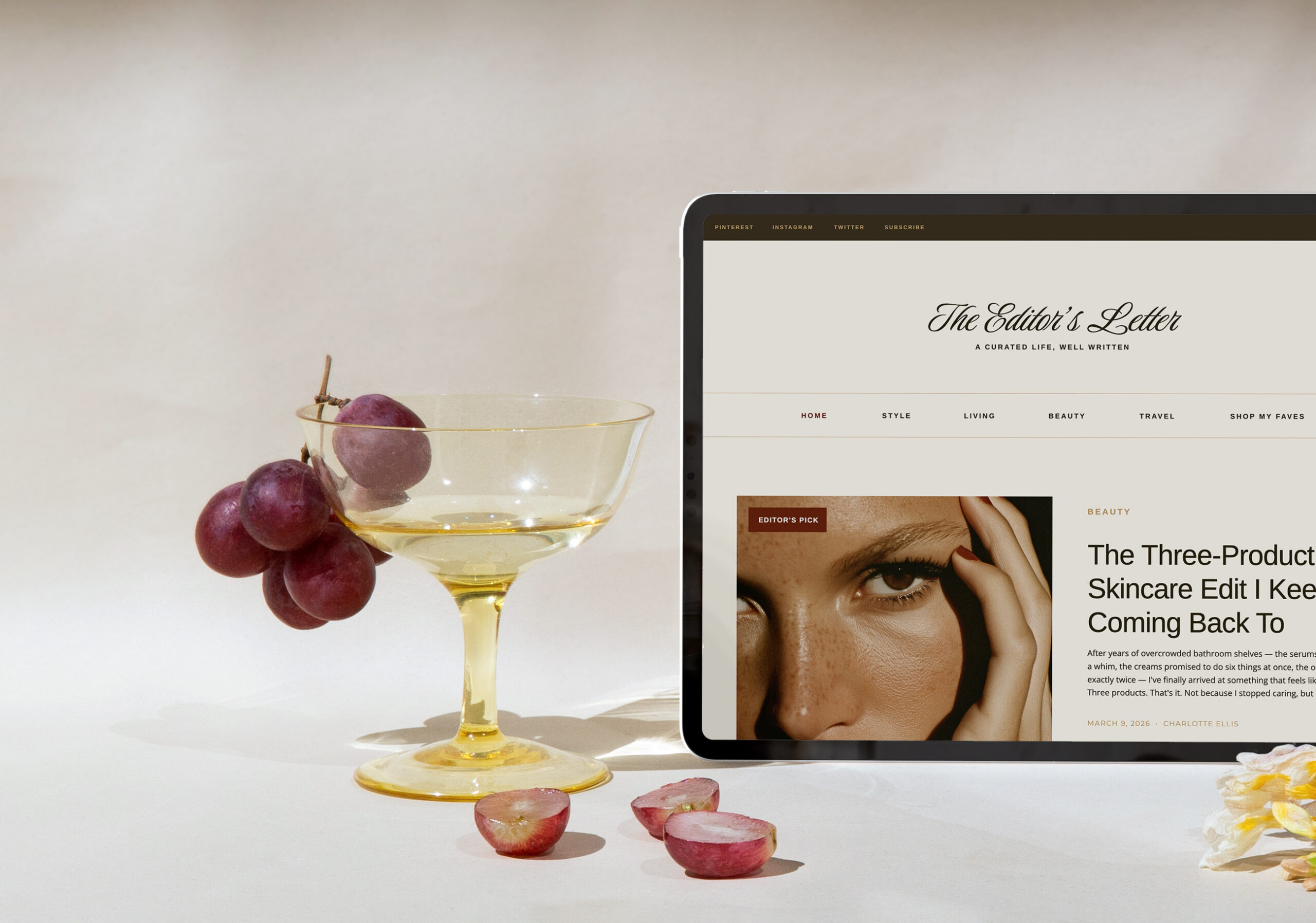
Want to bring the Substack look to your own website? The Blog N°04 Add On for Showit gives you everything you need: a publication-quality blog experience, built on WordPress, with your branding, your domain, and your rules. No platform fees. No design limitations. Just your content, looking incredible and built your way. A perfect Supstack Dupe.
The Long Game (Why Your Own Domain Always Wins)
Here’s what it comes down to. Substack is a platform. Your website is an asset.
Platforms come and go. They change their terms, they raise their fees, they pivot from “writing platform” to “social media network.” Your website, on your domain, is the one piece of digital real estate you truly own.
When a potential client Googles a problem you’ve written about and finds your blog post on YOUR website, they’re one click away from hiring you, buying your template, or joining your program. When they find you on Substack? They’re in Substack’s ecosystem, not yours.
We’re not saying you can’t use Substack as a distribution channel. But your primary content home, the place where you invest your best writing and build your SEO foundation, should always be a domain you own.
Substack vs. Your Own Website
Quick Comparison
| Feature | Substack | Your Own Website |
|---|---|---|
| Design control | Minimal | Full customization |
| SEO tools | Basic title/meta only | Full plugin ecosystem |
| Revenue fees | 10% + Stripe fees (~13-16%) | Stripe fees only (~3%) |
| Email subscriptions | Built in | MailPoet, Jetpack, Kit, Flodesk, etc. |
| Paid content/paywalls | Built in | MemberPress, Leaky Paywall, PMPro |
| Domain authority | Builds Substack’s | Builds yours |
| Branding | Limited | Complete control |
| Marketing automation | None | Full capabilities via email platforms |
| Content portability | Export subscriber list | You own everything |
| Long-term value | Platform-dependent | Compounds forever |
For Those Who Are Patient
If you stuck around until the end, let us just give you a handy “starter stack” to give you that Substack Dupe feel:
- Showit + WordPress with the Northfolk Blog N°04 Add On (design + blogging)
- Kit or Flodesk for email with RSS-to-email for automated post notifications
- MemberPress if they you paid content
- Yoast SEO or Rank Math for search optimization
Final Thoughts
Substack did something important: it reminded people that long-form content still matters. But you don’t need Substack to do it.
You need a blog on your own website, a solid email strategy, and a design that makes your content feel as good as it reads. That’s exactly what we built. If you’ve been thinking about starting a blog, moving off Substack, or finally adding a proper content hub to your Showit site, the Blog N°04 Add On is your shortcut.
Have questions about setting up your blog, choosing plugins, or making the switch from Substack? Drop us a DM on Instagram — we’re always happy to talk shop!
Resources:
- Learn more: northfolk.co
- Instagram: @northfolkco
Links:
- Shop the Blog N°04 Add On for Showit
Pin this post for later!